 Add as preferred on Google
How a Repository Health Dashboard Helped Open edX Patch certifi in 48 HoursRead More
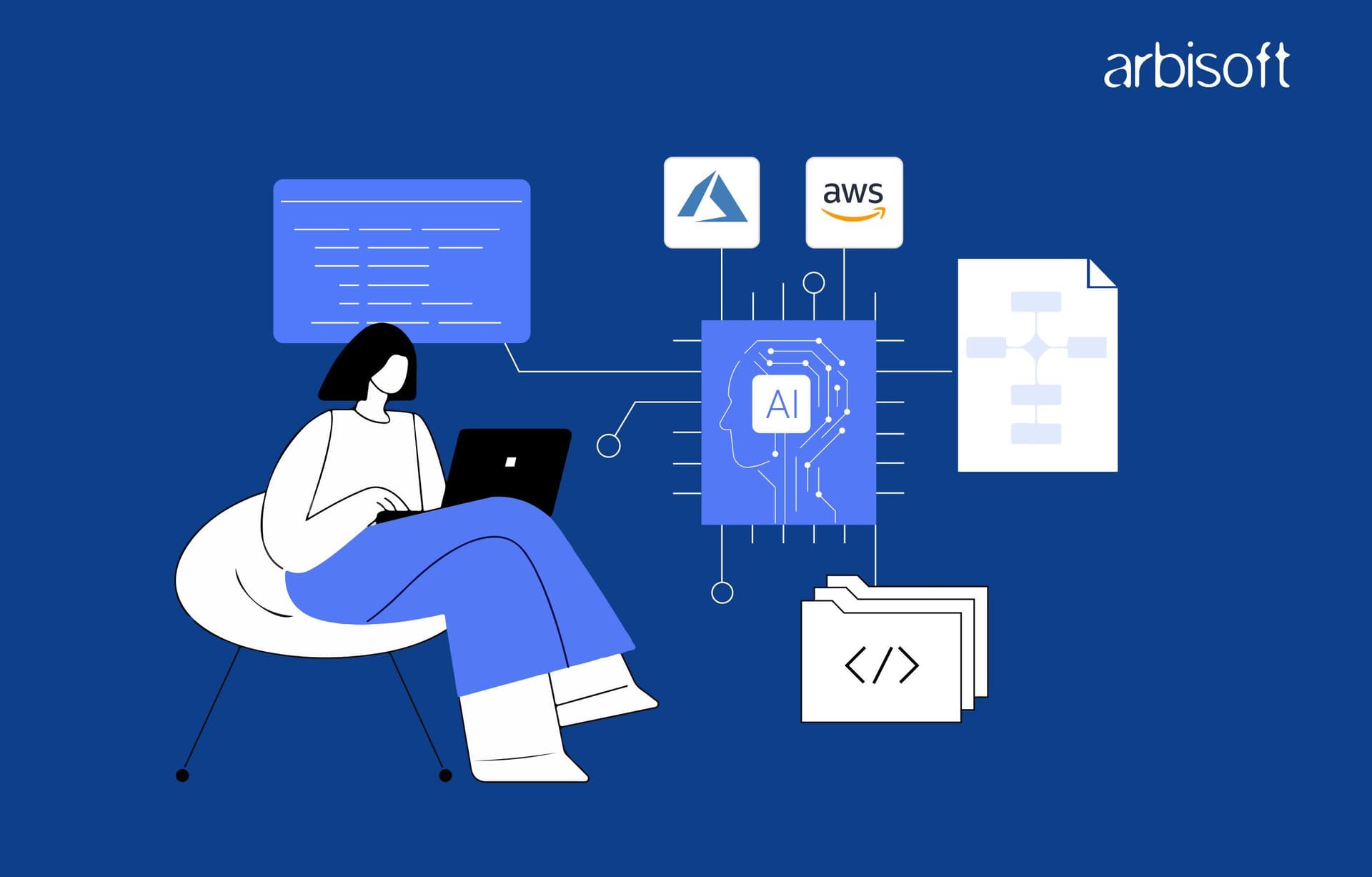
Predictive scaling is the lowest-risk first AI step on Azure or AWS, while several AWS code review tools are retired or ending support by 2027.
AWS teams should choose a code review replacement before January 30, 2027.
AI in Azure and AWS DevOps pipelines helps teams predict infrastructure demand, detect unusual activity, and automate parts of the development and deployment process. Azure uses services such as Azure Machine Learning and Azure Monitor for model deployment, predictive scaling, and intelligent alerting, while AWS offers EC2 predictive scaling and CloudTrail Insights for capacity forecasting and anomaly detection.
However, these capabilities come with different requirements, limitations, and service availability. With several AWS developer tools being phased out or approaching end of support in 2027, choosing the right AI-powered DevOps tools requires careful evaluation.
This guide compares AI capabilities in Azure and AWS DevOps, explains how their services work, explores practical implementation scenarios, and helps you identify which tools best fit your existing cloud infrastructure and automation needs.
AI is worth adding to a DevOps pipeline when a model has enough history to learn from and can take over a decision engineers would otherwise make by hand. That happens at four stages.
Be wary of headline figures like "100 times faster deployments". None of the Microsoft or AWS documentation we reviewed supports a general number like that, and it's hard to see how one could, when results depend on your own traffic patterns and on how much clean history your metrics hold.
Download our AI in Azure vs. AWS DevOps Cheat Sheet to make an informed decision for the right platform!
Download the free AI in Azure vs. AWS DevOps Cheat Sheet now!
Most of the machine learning on the Azure side lives in three services spread across Azure Monitor and Azure Pipelines: Azure Machine Learning jobs, predictive autoscale and machine learning alert thresholds. Bicep sits underneath them, declaring the infrastructure those features act on. It predicts nothing.
Bicep is a domain-specific language that deploys Azure resources with declarative syntax, and it integrates with Azure Policy, template specs and Azure Blueprints. It doesn't forecast demand. Its job in AI-assisted DevOps is to keep AI-related settings in code that gets reviewed.
Microsoft's predictive autoscale documentation enables the feature through a Resource Manager template with a predictiveAutoscalePolicy setting whose scale mode is ForecastOnly or Enabled, and any property valid in a Resource Manager template is valid in a Bicep file. A pull request can then move a scale set from forecast-only to live predictive scaling, and the what-if operation previews the change before deployment.
There's no separate "Azure DevOps ML Services" product. Instead, teams install the Azure Machine Learning extension for Azure Pipelines from the Visual Studio Marketplace and submit jobs with the Azure Machine Learning Python SDK v2 and the Azure CLI ml extension v2. From there, Azure Pipelines can automate the machine learning lifecycle, including data preparation, model training, model deployment as web services and monitoring deployed models for performance or data drift. Models then get the same reviews, approvals and audit trail as application code.
Two limits affect pipeline design. The AzureML Job Wait task can wait for at most two days. That's a hard limit in Azure DevOps pipelines.
Microsoft's documentation also notes that an issue with the completion notification this task relies on is under investigation, which isn't what anyone wants to read about the step that tells a pipeline its job has finished. Our guide to using Azure DevOps for CI/CD in web projects covers the pipeline setup itself.
A virtual machine scale set whose CPU load repeats on a schedule can scale out before demand arrives, because predictive autoscale uses machine learning to forecast the set's total CPU load from past usage. Five limits shape how a team plans for it.
A forecast-only mode shows predicted CPU against actual CPU without scaling anything, which is the safe way to test the model.
Hand-picked alert values are mostly educated guesses. Azure Monitor's machine learning thresholds learn the history of metrics and log query results, find hourly, daily or weekly patterns and calculate the thresholds themselves. They start from 10 days of history and need three weeks before they detect weekly seasonality, while a new rule won't fire until it has three days and at least 30 samples of data.
There are gaps, too. These thresholds can't be used in rules with multiple conditions or in log search alerts that run every minute, and slow changes may not trigger an alert at all. Thresholds of this type for PromQL query-based metric alerts were still in preview in November 2026.
Traffic peaks every weekday evening for an online store whose web tier runs on an Azure virtual machine scale set. For two weeks, the team runs forecast-only mode and compares predicted CPU with actual CPU. Once the forecast tracks reality, they switch on predictive autoscale with a 30-minute prelaunch, and the new instances are already warm by the time the evening rush starts.
Black Friday needs its own plan. Microsoft recommends schedule-based or metric-based autoscale for monthly or yearly patterns, and a once-a-year sale gets a scheduled profile.
On AWS, the AI pieces still open to new projects are Amazon EC2 Auto Scaling predictive scaling and AWS CloudTrail Insights, with AWS CloudFormation as the infrastructure layer. Code review is the area that changed most. CodeGuru Reviewer and Amazon Forecast are closed to newcomers, and Amazon Q Developer reaches end of support in 2027.
AWS CloudFormation provisions and configures AWS resources from a template that describes them. A template might describe an Auto Scaling group, a load balancer and a database, and because it's a text file, teams track infrastructure changes in version control and can return to a previous template when an update causes problems. Like Bicep, CloudFormation has no prediction logic. It's where a predictive scaling policy gets declared and reviewed.
New repositories on AWS need a code review plan that avoids two retiring services. CodeGuru Reviewer used program analysis and machine learning to find defects in Java and Python code, and AWS's documentation for it states that new repository associations can't be created from November 7, 2025. AWS pointed teams to Amazon Q Developer and Amazon Inspector.
The first of those is now winding down as well. According to the Amazon Q Developer end-of-support announcement on the AWS DevOps Blog (2026), new account and subscription creation was blocked from May 15, 2026, and the IDE plugins and paid subscriptions reach end of support on April 30, 2027.
Its GitHub app, Amazon Q Developer for GitHub, accepts no new installations from November 18, 2026 and loses support on January 30, 2027. AWS points to Kiro and the Kiro GitHub App for similar capabilities. How similar is still an open question, and teams should confirm which review checks they cover before relying on them.
Amazon Inspector Code Security is the steadier AWS-native choice. It discovers GitHub and GitLab repositories and scans first-party source code, third-party dependencies and infrastructure as code for vulnerabilities. It focuses on vulnerabilities. Teams that want general code review comments as well, the sort a human reviewer would leave on a pull request, should check exactly what Inspector reports before they commit to it.
Daily and weekly load patterns are what Amazon EC2 Auto Scaling looks for in historical data, and once it finds them it adds instances to an Auto Scaling group before the forecast load arrives. It starts with 24 hours of metric data. Two full weeks of data gives the best results, and each forecast covers the next 48 hours in hourly steps, refreshed every six hours.
One setting needs care. The max capacity behavior option can raise a group's maximum capacity automatically when the forecast approaches it, and that raised maximum stays until someone changes it by hand.
Every action by a user, role or AWS service lands in CloudTrail as an event. Insights learns a baseline of API call rates and API error rates from those events and generates an Insights event when activity departs from it, which is how it detects unusual account activity. It can analyze management events and data events, though Insights on data events work only on trails and can't use event data stores. Insights events cost extra.
A B2B SaaS product on AWS runs its API servers in an Auto Scaling group, and load climbs every weekday morning. Instances take several minutes to boot and warm their caches. With reactive scaling alone, the first users of the day wait.
The team leaves a predictive scaling policy in forecast-only mode for two weeks, compares forecast capacity with what the group actually used, then switches to forecast and scale with a pre-launch buffer. A target tracking policy covers unplanned spikes and scales in overnight. Teams that built demand forecasts in Amazon Forecast need another route, because the service is no longer available to new customers. Predictions that depend on promotions or bookings call for a custom model built on that business data, which is work for predictive analytics solutions.
Most of the dates that affect 2027 planning are on AWS. As of November 2026, these are the documented changes.
Amazon Forecast is closed to new customers, but existing customers can keep using it as normal, which at least buys some time for the teams that already depend on it. Amazon Q Developer in the AWS Management Console is outside the announced sunset. On Azure, the documented constraint is regional. Predictive autoscale still doesn't run in Azure Government clouds.
Azure and AWS cover the same four stages of AI-assisted DevOps with different services and limits. The table reflects vendor documentation as of November 2026.
| Capability | Azure | AWS | Best for |
|---|---|---|---|
| Infrastructure as code | Bicep, declarative, no forecasting | AWS CloudFormation templates, no forecasting | Keeping scaling and alert settings in reviewed code |
| AI in the pipeline | Azure Machine Learning jobs through the Azure Pipelines extension | Amazon Inspector Code Security scanning; Amazon Q Developer review until its 2027 end-of-support dates | Azure for teams shipping ML models, AWS for repository vulnerability scanning |
| Predictive scaling | Azure Monitor predictive autoscale (scale sets, Percentage CPU, scale-out only) | EC2 Auto Scaling predictive scaling (Auto Scaling groups, custom metrics, scale-out only) | Cyclical traffic and slow-starting applications |
| History needed | 7 days for predictive autoscale; 10 days for ML alert thresholds | 24 hours for predictive scaling, best with 14 days | Estimating how soon a pilot can start |
| Anomaly detection | ML alert thresholds on metrics and log queries | CloudTrail Insights on API call and error rates, extra charge | Azure for performance alerts, AWS for unusual account activity |
| Status to check | Predictive autoscale not available in Azure Government clouds | CodeGuru Reviewer and Amazon Forecast closed to newcomers; Amazon Q Developer support ends in 2027 | Planning a toolchain for new projects |
Start on the cloud that already runs your workloads and holds your data and source code. Every scaling and alerting feature above learns from data that platform already collects, and moving clouds just to get one AI feature rarely pays for the disruption it causes. Four differences then decide where AI helps first.
Our view is that predictive scaling is the lowest-risk first step on either cloud, as long as the forecast is checked against real traffic before it controls capacity. Both clouds now offer a forecast-only mode built for that check.
Only for existing repository associations. AWS stopped new associations on November 7, 2025, so new repositories need another option, such as Amazon Inspector Code Security for vulnerability scanning.
It's a poor choice for a new project. New Q Developer subscriptions were blocked from May 15, 2026, the GitHub app loses support on January 30, 2027, and the IDE plugins follow on April 30, 2027. AWS names Kiro as the replacement, so teams should evaluate Kiro or another reviewer alongside Amazon Inspector scanning.
No. Neither one forecasts demand. The machine learning that decides when to scale lives in Azure Monitor predictive autoscale and EC2 Auto Scaling predictive scaling, while Bicep and AWS CloudFormation declare and provision infrastructure from code and give teams a place to define and review those scaling settings.
About a week on Azure and a day on AWS, at minimum. Azure predictive autoscale needs at least seven days of CPU history and works best with a rolling 15-day window, while EC2 Auto Scaling predictive scaling starts after 24 hours of metric data and is more accurate with two full weeks. For monthly or yearly patterns such as an annual sale, Microsoft recommends schedule-based or metric-based autoscale on Azure.
Pick one use case where your pipeline already has past data and a repeatable decision. Predictive scaling for cyclical traffic is the usual first choice, followed by machine learning alert thresholds for noisy alerts. Let the forecast-only mode run for two weeks while you compare predicted and actual load, and only after that let the model start changing capacity on its own. Standard scaling rules and human review stay throughout.
AWS teams also have a less pleasant job, which is settling their code review replacement before the January and April 2027 Amazon Q Developer dates. Arbisoft's DevOps team works on infrastructure as code with automated provisioning, plus performance monitoring with predictive alerting. If you'd like help scoping that first use case, Arbisoft's DevOps services team can work through it with your own traffic data.
...Loading Related Blogs
Trusted by top platforms for our transformative solutions and exceptional results: