
 Add as preferred on Google
PHP2Shell and the End of Unmanaged Open Source in Higher EducationRead More
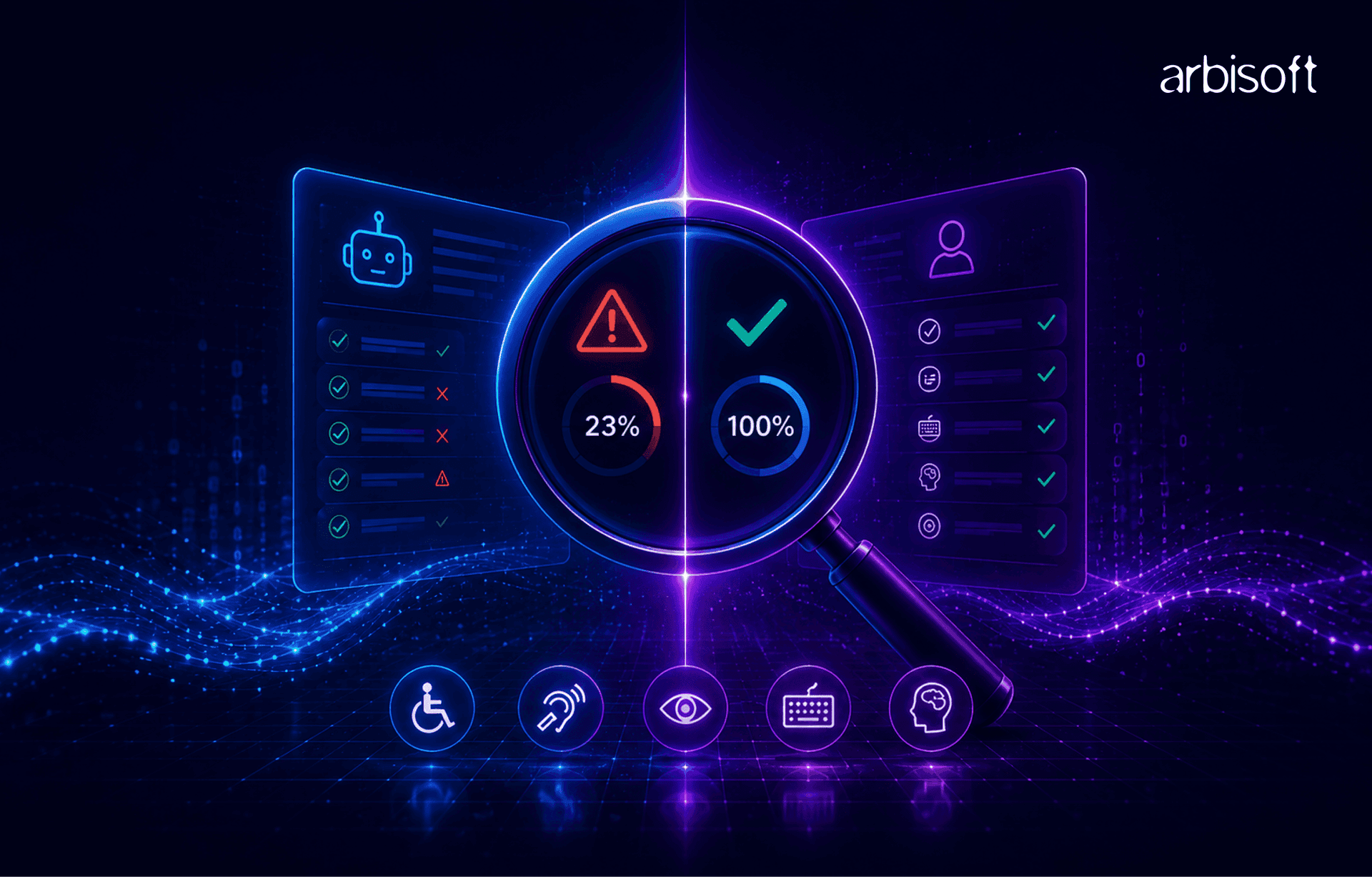
Digital accessibility testing has become an important part of modern software development. Organizations are increasingly expected to build products that are usable by everyone, including people with disabilities. To support this effort, many teams rely heavily on automated accessibility scanners such as Axe DevTools, WAVE, Lighthouse, Accessibility Insights, and more.
These tools are extremely valuable. They quickly identify common accessibility issues, integrate well into development workflows, and help teams detect problems early. However, one major misconception still exists across the industry. Many teams believe that passing an automated accessibility scan means a product is fully accessible. In reality, automated scanners can detect only a limited subset of accessibility issues. A product may receive an excellent accessibility score while still being difficult or completely impossible for real users to navigate.
Automated Accessibility Scanner tools have become popular because they are fast, scalable, and easy to integrate into CI/CD workflows. Developers can quickly identify issues such as missing alt text, low contrast, buttons without accessible name, missing labels, and invalid ARIA attributes.
Many organizations now integrate accessibility scanners directly into development pipelines. While this is a positive step, problems begin when automation becomes the only accessibility testing strategy.
Automated accessibility scanners mainly check the website’s code and structure. They are very good at finding common technical issues, but accessibility is not only about code. Accessibility also depends on user experience, keyboard usability, cognitive clarity, and screen reader behavior. It is also about how real users experience and interact with the product. These areas often require human judgment.
Industry experts commonly estimate that automated scanners can detect only around 25%–40% of WCAG-related issues. The remaining issues typically require manual testing and real user validation.
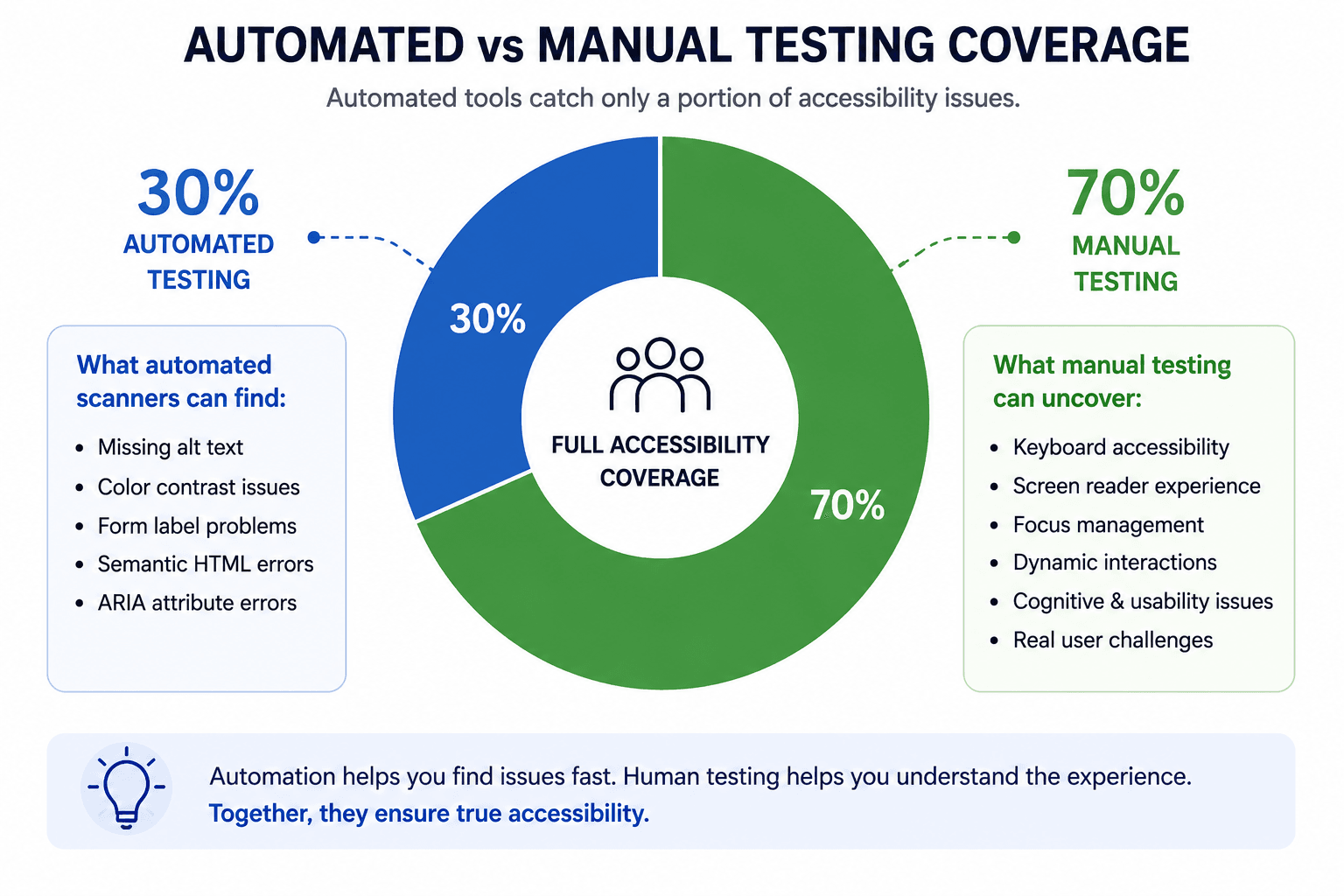
Automated scanners often fail to detect incorrect focus order, hidden keyboard traps, inaccessible custom components, broken modal focus management, poor screen reader announcements, dynamic content, irrelevant or poor alt text, and the accuracy of captions, among other issues.
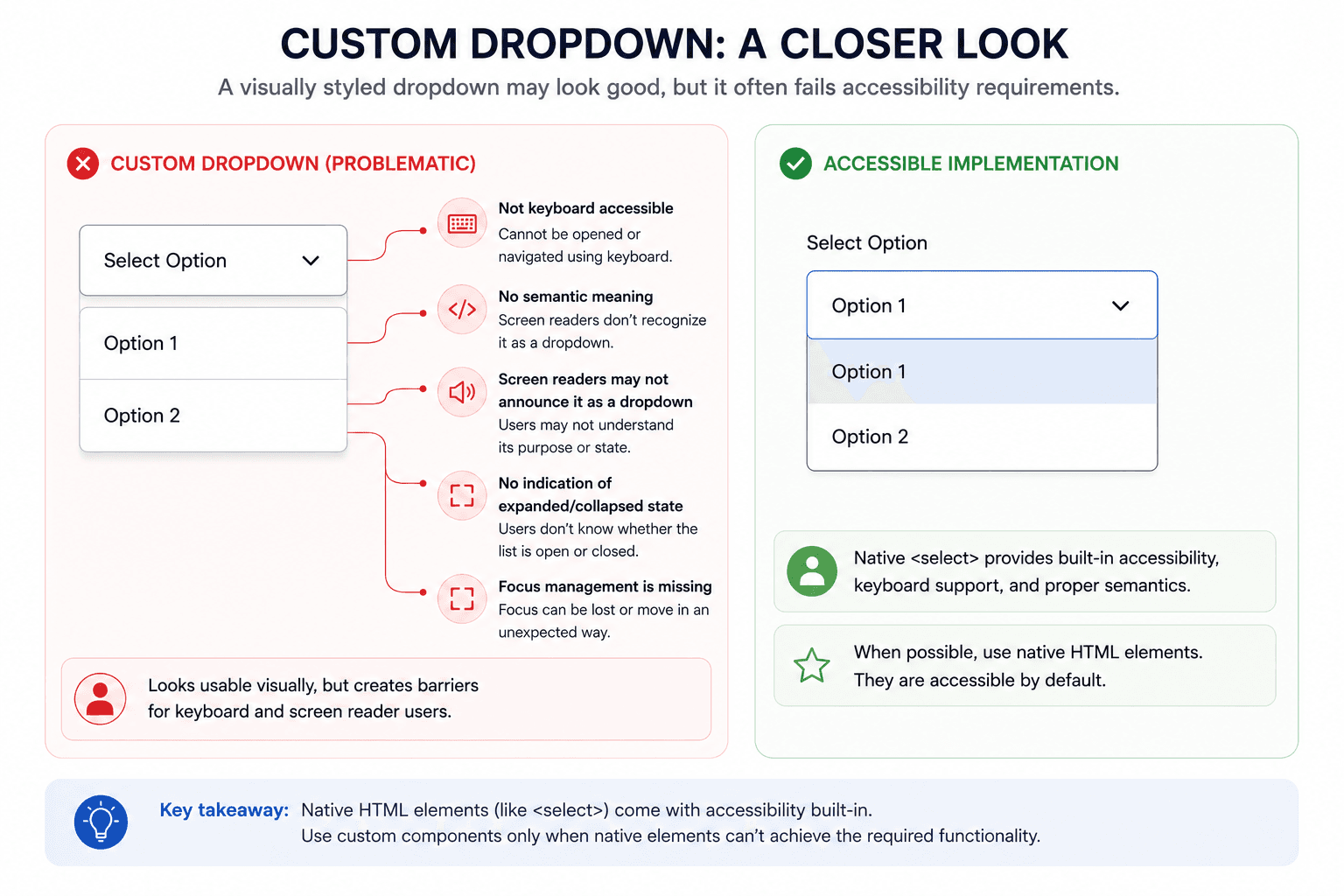
For example, a custom dropdown may visually work perfectly while remaining completely inaccessible to keyboard users.
Consider a custom dropdown built entirely using <div> elements:
<div class="custom-dropdown">
 <div class="dropdown-trigger">Select Option</div>
 <div class="dropdown-options">
   <div class="option" data-value="1">Option 1</div>
   <div class="option" data-value="2">Option 2</div>
 </div>
</div>
Visually, the dropdown may appear fully functional. Automated accessibility scanners may also report no issues because the component contains readable text and valid HTML structure.
However, manual accessibility testing reveals several major problems:
For keyboard and screen reader users, interacting with the dropdown becomes impossible.
A more accessible implementation would use semantic HTML elements and proper ARIA support:
<label for="country">
 Select Option
</label>

<select id="country">
 <option>Option 1</option>
 <option>Option 2</option>
</select>
Developers should also ensure:
This example demonstrates an important limitation of automated accessibility testing: Automated scanners can identify some technical issues, but they often cannot determine whether interactive components are truly usable for keyboard and assistive technology users.
Many tools provide accessibility scores such as 90/100 or Passed. These scores can create false confidence.
A product with broken keyboard navigation or poor screen reader support may still receive excellent automated scores. Accessibility should never be reduced to a percentage alone.
A strong accessibility testing strategy should include both automated and manual checks aligned with WCAG standards, including:
Testing with assistive technologies such as NVDA, JAWS, VoiceOver, and TalkBack helps uncover issues that automation cannot detect.
Despite their limitations, automated scanners remain extremely important. They help teams catch issues early, prevent regressions, scale testing efforts, and improve accessibility awareness during development.
The best accessibility strategies combine automated testing, manual audits, assistive technology testing, and user-centered evaluation.
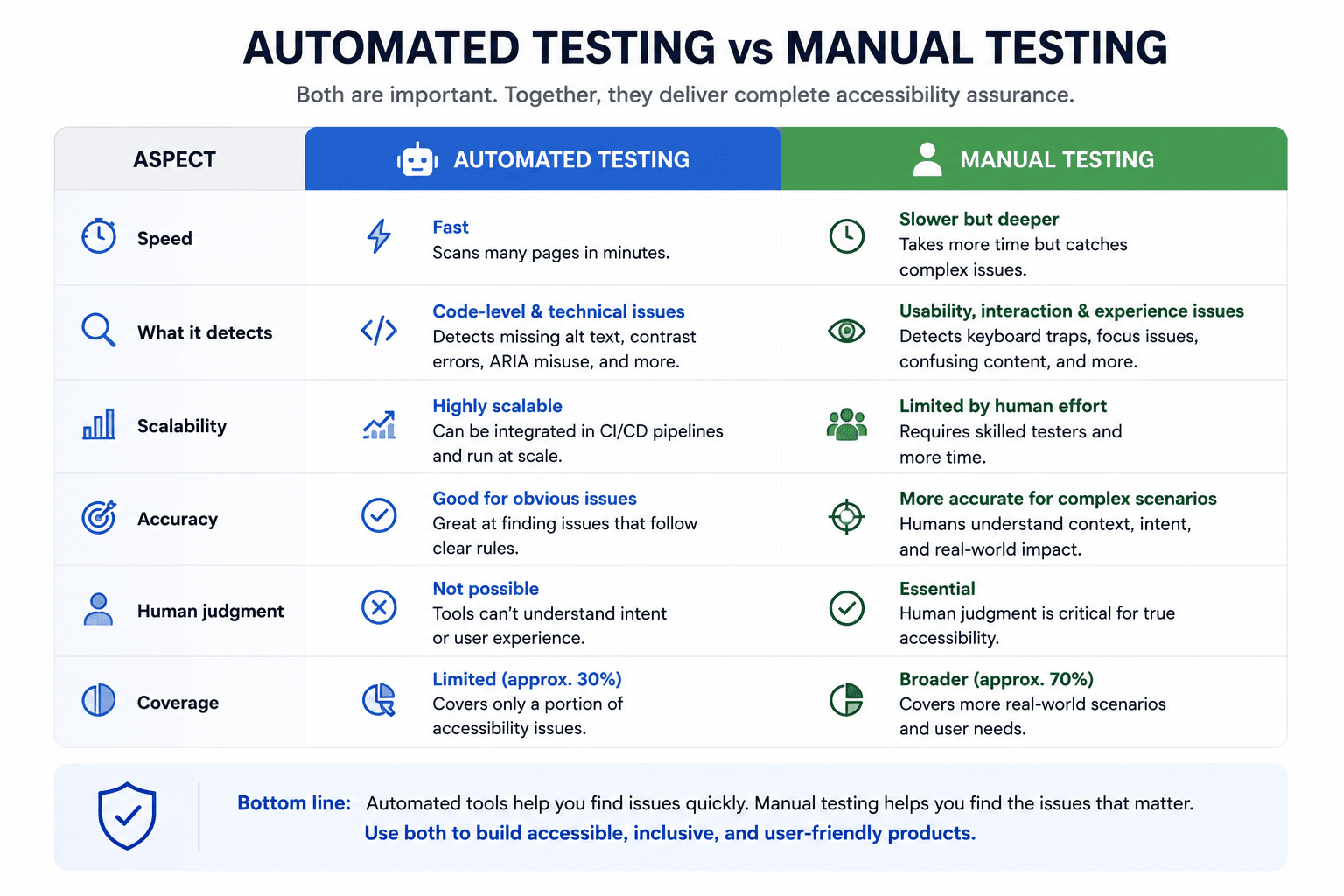
Automated accessibility scanners are powerful tools, but they represent only one part of accessibility testing.
Many of the most critical accessibility barriers, including keyboard usability, screen reader experience, and cognitive accessibility, require human judgment and manual testing.
A product that passes automated scans may still create frustrating experiences for users with disabilities.
The goal should never be simply to pass the scanner. The goal should be building experiences that everyone can use effectively, confidently, and independently.
...Loading Related Blogs
Trusted by top platforms for our transformative solutions and exceptional results: