
 Add as preferred on Google
The Best LLMs in 2026: A Comparison and What to Expect in 2027Read More
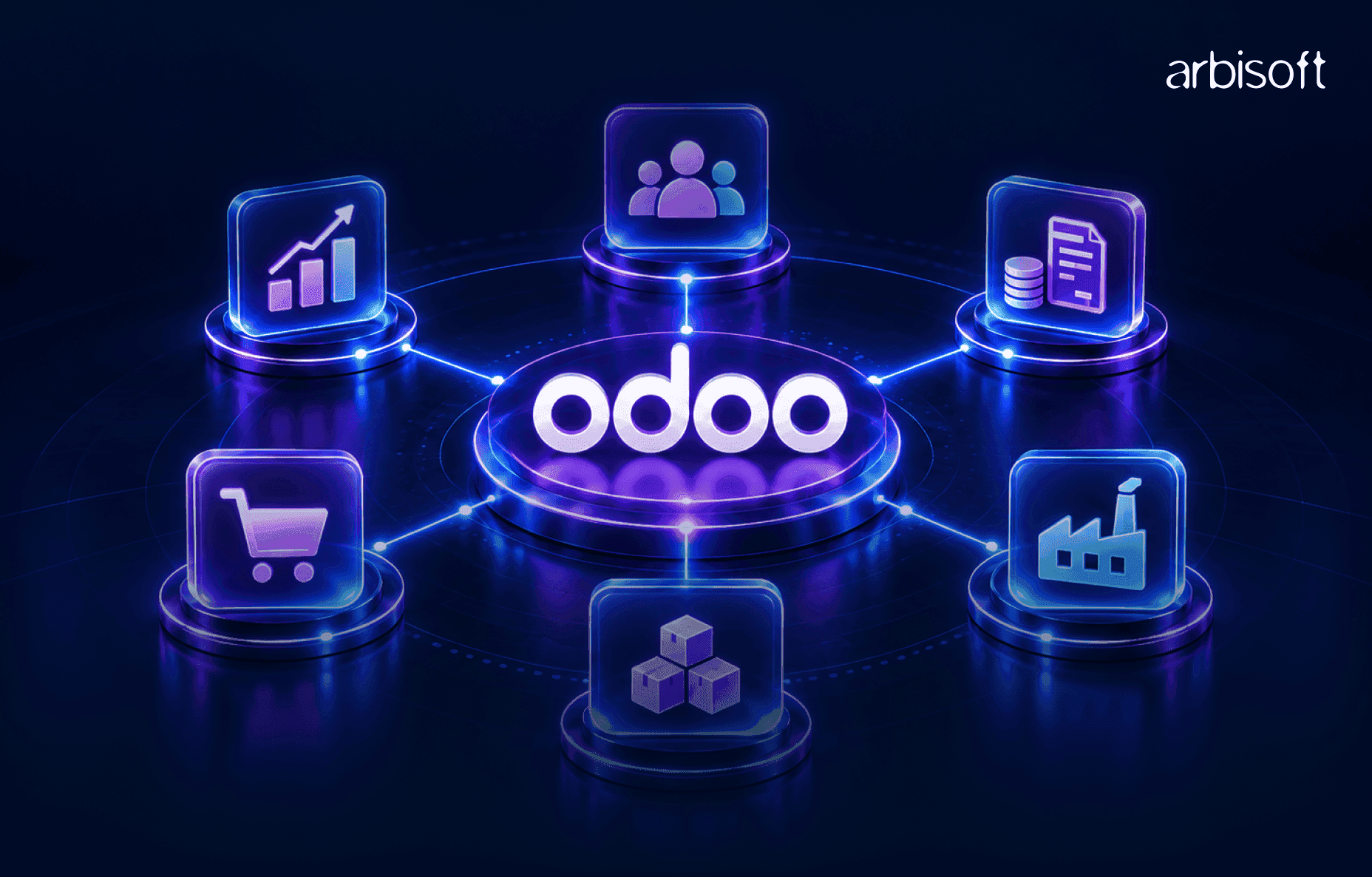
Most businesses need fewer Odoo apps than the catalog suggests. A typical first phase covers one core process, such as quote to cash, purchase to stock, or project to invoice, and uses four to seven apps that share the same data. Everything else can wait until the core runs smoothly.
This guide maps common business processes to the Odoo modules behind them, shows which apps overlap, and explains when standard Odoo is enough and when configuration, integration, or custom development is needed.
An Odoo module is an installable piece of functionality, and an Odoo app is a module that runs a complete business function, such as CRM, Inventory, or Payroll. The two terms are often used interchangeably. Odoo groups its apps into finance, sales, websites, supply chain, human resources, marketing, services, productivity, and customization, and the full set is listed on Odoo's apps page.
The apps share one database. A confirmed sales order can reserve stock in Inventory, trigger a purchase when stock is short, create a manufacturing order, and produce an invoice in Accounting, without anyone retyping data. That shared data is the main reason to choose Odoo modules together instead of one at a time. It also means some apps depend on others: Manufacturing needs Inventory, and eCommerce runs on the Website app, so installing one brings in the other.
The practical consequence is that every app you add changes the workflows of the apps around it. Picking modules is mainly a decision about which processes you want to connect.
The fastest way to find the Odoo apps you need is to write down the processes that make you money and the processes that cost you the most manual work, then map each one to the apps that run it.
| Business process | Core Odoo apps | Often added later |
|---|---|---|
| Lead to sale (quote to cash) | CRM, Sales, Invoicing or Accounting | Sign, Email Marketing, Subscriptions |
| Purchase to stock | Purchase, Inventory, Accounting | Quality, barcode workflows in Inventory |
| Plan to produce | Manufacturing, Inventory, Purchase | PLM, Quality, Maintenance |
| Order to delivery (online) | Website, eCommerce, Sales, Inventory, Accounting | Email Marketing, Marketing Automation |
| Store or restaurant sale | Point of Sale, Inventory, Accounting | Purchase, loyalty and eCommerce |
| Project to invoice | Sales, Project, Timesheets, Accounting | Planning, Expenses, Documents |
| Ticket to resolution | Helpdesk, Timesheets | Field Service, Live Chat, Knowledge |
| Hire to retire | Employees, Recruitment, Time Off | Payroll, Appraisals, Expenses |
Two businesses can start from the same row and diverge quickly. A manufacturer and a consulting firm may both need CRM, Sales, and Accounting, but after the sale, one needs Inventory and Manufacturing while the other needs Project and Timesheets. Industry shapes the combination of apps; no single Odoo setup suits every business.
A handful of apps appear in almost every Odoo implementation. For each one, the useful question is whether your business runs the process it covers, and how much of it.
The Odoo Sales module handles quotations, sales orders, pricing, and the handoff to delivery and invoicing. Most businesses that sell anything need it. The Odoo CRM module manages leads and opportunities before a quote exists: pipeline stages, follow-up activities, and forecasting. CRM earns its place when you have a sales team working a pipeline over weeks or months. A business that takes orders directly, such as a store or a webshop, can often skip CRM at first.
Invoicing covers customer invoices, vendor bills, and payments, which is enough for a business whose external accountant keeps the books elsewhere. The Odoo Accounting module adds full bookkeeping: bank reconciliation, financial statements, tax reports, and multi-currency handling. Companies that want their finance team working in Odoo, or that run several entities, usually need Accounting. Country-specific tax and reporting rules come from Odoo's fiscal localizations, so confirm yours is supported before planning around it.
The Odoo Inventory module tracks stock across warehouses and locations, manages receipts and deliveries, and supports barcode workflows, lots, and serial numbers. The Purchase module handles requests for quotation, purchase orders, and vendor bills, and can reorder automatically when stock falls below a minimum. Any business that holds physical stock needs both. Service businesses usually need neither.
These productivity apps sit beside the core. Sign handles electronic signatures on quotes and contracts, Documents stores and routes files such as vendor bills, and Approvals adds formal sign-off steps for requests like purchases or time off. They are useful early when contracts or approvals slow down your process, and easy to add later when they don't.
The table below shows typical starting stacks. Treat them as starting points to adjust, since two companies in the same industry can run very different processes.
| Business type | Typical first-phase apps | Common later additions |
|---|---|---|
| Wholesale and distribution | CRM, Sales, Purchase, Inventory, Accounting | Quality, Documents, eCommerce for B2B ordering |
| Manufacturing | Sales, Purchase, Inventory, Manufacturing, Accounting | PLM, Quality, Maintenance, Planning |
| Retail and restaurants | Point of Sale, Inventory, Purchase, Accounting | eCommerce, Email Marketing, Employees, Planning |
| eCommerce | Website, eCommerce, Sales, Inventory, Accounting | Email Marketing, Marketing Automation, Helpdesk |
| Professional services | CRM, Sales, Project, Timesheets, Accounting | Planning, Expenses, Helpdesk, Sign |
| Field service | Sales, Field Service, Planning, Inventory, Accounting | Helpdesk, Timesheets, Sign |
| Subscription businesses | CRM, Sales, Subscriptions, Accounting | Helpdesk, Email Marketing |
| Rental businesses | Rental, Sales, Inventory, Accounting | Website, eCommerce, CRM |
| People-heavy organizations | Employees, Time Off, Recruitment, Expenses | Payroll, Appraisals, Planning |
Manufacturing deserves a closer look because its apps are often confused. Manufacturing runs bills of materials, work orders, and production. PLM manages engineering changes to those bills of materials and product versions. Quality adds inspection points and alerts. Maintenance schedules preventive and corrective work on equipment. A manufacturer making standard products in one plant often starts with Manufacturing alone and adds the others as engineering change, inspection, or equipment downtime become real problems.
Several pairs of Odoo apps look similar on paper. Understanding the boundary between them prevents both duplicate setups and missing workflows.
| Apps | How they differ | Which you need |
|---|---|---|
| CRM vs Sales | CRM manages the pipeline before a quote; Sales manages quotes and orders | Sales for anyone selling; CRM when deals take time and a team works them |
| Invoicing vs Accounting | Invoicing bills and collects; Accounting keeps the full books | Accounting when finance works in Odoo or you run several entities |
| Project vs Planning vs Timesheets | Project tracks tasks; Planning schedules people's time; Timesheets records hours worked | Project plus Timesheets for billable work; Planning when resource scheduling becomes a bottleneck |
| Helpdesk vs Project | Helpdesk handles incoming tickets with service-level targets; Project handles planned work | Helpdesk when customer requests arrive continuously |
| Website vs eCommerce | Website builds pages; eCommerce adds catalog, cart, and checkout | eCommerce only when you sell online |
| Email Marketing vs Marketing Automation | Email Marketing sends campaigns; Marketing Automation runs multi-step, triggered sequences | Marketing Automation once campaigns depend on lead behavior |
A phased Odoo implementation reduces risk because each phase is small enough to test properly and users learn one change at a time. A common sequence looks like this:
Three tests help decide what belongs in phase one. Does the business stop without this process? Does the process feed data that other apps need? Is the current tool for it about to fail or expire? An app that passes none of these can usually wait.
Implementing too much at once is one of the most common problems in Odoo projects. Every extra app adds configuration, testing, data, and training, and teams end up using half-configured apps that nobody owns. The opposite problem also happens: a company runs Sales and Accounting in Odoo but keeps inventory in a spreadsheet, so stock and invoices never match. A short process review before choosing apps prevents both.
Standard Odoo apps cover a large share of typical business processes. The remaining gap is usually handled through one of five approaches, and choosing the lightest one that works keeps the system easier to upgrade.
| Approach | What it covers | Example |
|---|---|---|
| Standard features | Built-in workflows and settings | Turning on multi-step deliveries in Inventory |
| Configuration | Rules, routes, users, access rights, templates | Approval rules on purchase orders above a set amount |
| Odoo Studio | No-code fields, views, reports, and automations | Adding a custom field and a report for a sales team |
| Integration | Connecting Odoo to systems that stay outside it | Payment gateways, banks, shipping carriers, marketplaces, BI tools |
| Custom development | New modules or changes to how Odoo works | A pricing engine or production rule unique to your business |
Odoo Studio is a good fit for adding fields, adjusting forms and reports, and creating simple automations without code. Custom development is the right choice when the logic is complex, needs to integrate deeply with other modules, or must perform at scale. The cost of custom code shows up later: every custom module has to be tested and often updated at each Odoo version upgrade, so the most maintainable Odoo setups customize only where the process is truly unique.
Integrations deserve the same scrutiny. Payment providers, banks, carriers, and marketplaces usually stay outside Odoo and connect to it, while older CRM, inventory, or HR tools are often candidates for replacement by Odoo apps. Deciding which systems Odoo replaces and which it connects to is one of the biggest scope decisions in any implementation.
Companies already running Odoo usually want to know what to change. Common signs that an Odoo setup needs work include:
Each sign points to a different fix. Data re-entry usually means a missing app or integration. Abandoned apps may need reconfiguring or removing. Heavy customization is often a reason to review which custom features standard Odoo now covers, especially before a version migration. A reimplementation that redesigns processes, instead of copying the old setup into a new version, is sometimes the cheaper long-term choice.
Choosing Odoo apps is mainly a process design decision. The questions that decide the outcome are which processes to connect first, what data has to move, which systems Odoo replaces or integrates with, and where standard apps stop and Studio or custom development starts. An experienced implementation partner answers those questions in a discovery phase, before any app is installed.
Arbisoft is an official Odoo partner with certified Odoo consultants and developers, the Odoo services cover consulting, implementation, customization, integrations, migration, module and app development, eCommerce and headless development, and ongoing support.
Most small businesses start with Sales and Invoicing, then add Inventory and Purchase if they hold stock, or Project and Timesheets if they sell services. CRM is worth adding when a sales team manages a pipeline. Keeping the first phase to four or five apps makes setup, training, and data cleanup manageable.
Invoicing is enough if you only need to bill customers, record vendor bills, and track payments while an external accountant keeps the books. Choose Accounting when your finance team will reconcile banks, close periods, and produce financial statements and tax reports in Odoo, or when you manage several companies or currencies.
Odoo apps can be added at any time, and phased rollouts depend on that. Adding an app later still needs planning, because it changes workflows in connected apps, may require data migration, and needs configuration and user training before it goes live.
Odoo CRM manages leads and opportunities before a deal is won: pipeline stages, activities, and forecasts. Odoo Sales manages what happens next: quotations, sales orders, pricing, delivery, and invoicing. Businesses with a long sales cycle use both; businesses that take orders directly often need only Sales.
Use Odoo Studio for fields, views, reports, and simple automations that don't need code. Choose custom development when the logic is complex, connects deeply to other modules, or must perform at scale. Custom modules need maintenance at every version upgrade, so keep them for processes that are unique to your business.
List your three most important business processes, mark where data is re-entered or tracked in spreadsheets today, and map each process to the apps in the tables above. That short list is your phase one. If the map shows several integrations, unusual workflows, or a migration from another system, bring it to a discovery session with an Odoo partner before installing anything, because those decisions shape the cost and timeline of the whole implementation.
...Loading Related Blogs
Trusted by top platforms for our transformative solutions and exceptional results: