

 Add as preferred on Google
Open-Source LMS: Top platforms for 2026Read More
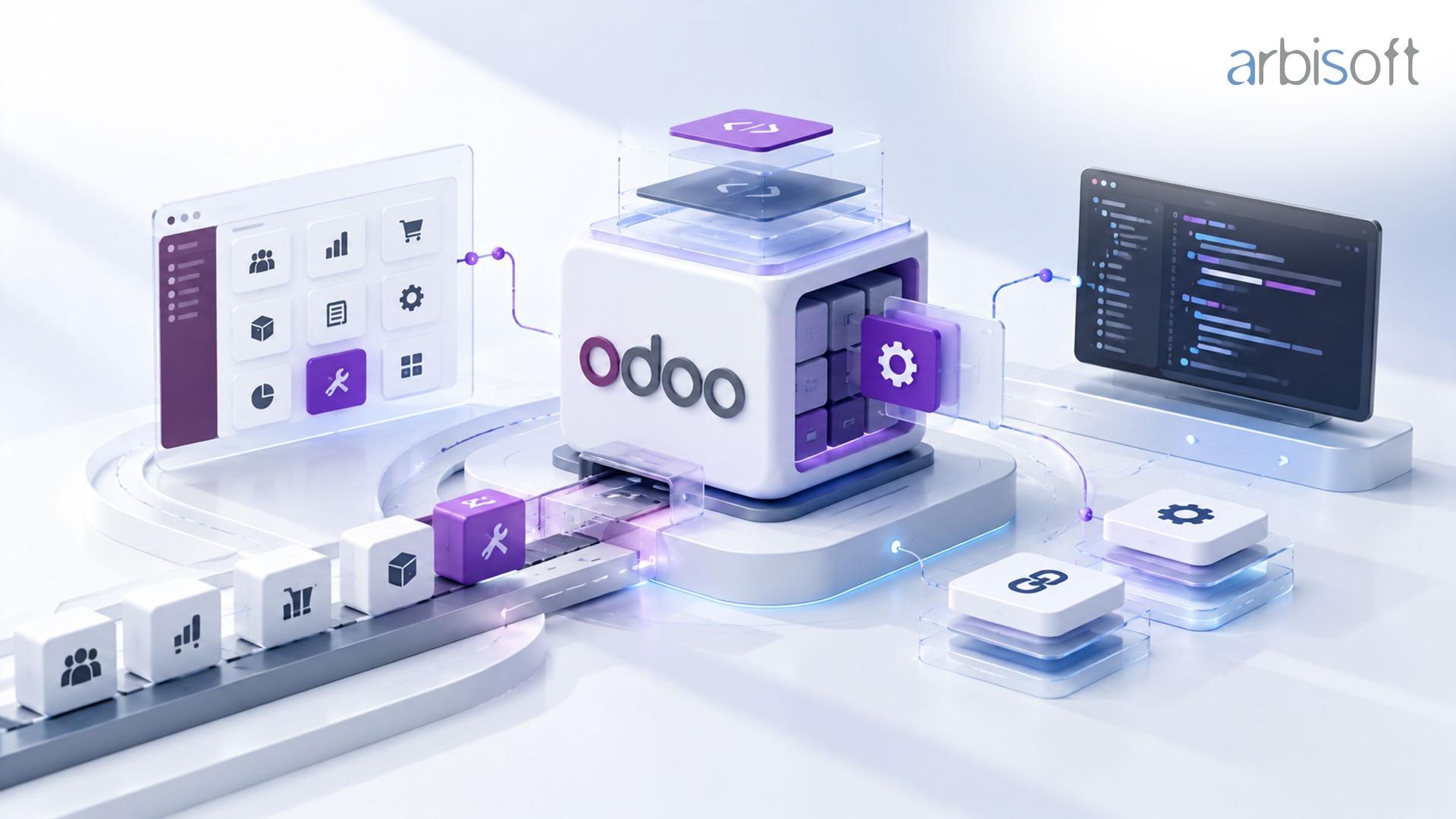
Odoo customization is worth doing when a requirement matters to the business, no lighter option meets it, and the long-term cost of owning the change is justified. Many requirements that look like customization can be met with configuration, Odoo Studio, an existing module, or an integration, and some are better solved by changing the process. Custom code also keeps costing money after launch. Every custom module has to be maintained and moved forward at each Odoo upgrade. This guide shows how to decide what to customize, what drives the cost, and how to build customizations that stay maintainable.
Odoo customization covers any change that makes Odoo behave differently from its default setup, and the options range from changing a setting to writing new code. Treating them as one category is the most common reason teams over-customize. Each option sits at a different point on a scale of effort and long-term ownership:
Option | What it covers | Example | Long-term ownership |
|---|---|---|---|
Standard Odoo | Built-in workflows used as designed | Using standard quotation-to-invoice flow | None beyond normal use |
Configuration | Settings, routes, rules, templates, access rights | Two-step approval on purchases above a set amount | Low |
Odoo Studio and automation | No-code fields, views, models, reports, approval rules, security rules, automation rules, webhooks | A custom field, form layout, and email alert for a sales team | Low to medium, reviewed at upgrades |
Existing third-party module | A module built by another developer | A shipping-carrier connector | Depends on the vendor's support |
Integration | Odoo connected to a system that stays outside it | Syncing orders with an eCommerce platform | Monitoring and API changes on both sides |
Custom module | New code that extends Odoo | A pricing engine unique to the business | Highest: testing, fixes, and porting at every upgrade |
Process change | Adapting the business to standard Odoo | Dropping an approval step that existed only because of an old system | None in the software |
Odoo Studio covers more than many teams expect: fields and widgets, views, models, automation rules, webhooks, PDF reports, approval rules, and security rules, all without code. Studio is available on Odoo's Custom plan.
The right question for any requirement is which option is the lightest one that fully meets it. A competent Odoo partner starts there, before discussing how to build anything.
Custom development is justified when a requirement passes four tests:
A proprietary quotation method, a commission structure tied to how sales teams are managed, or a manufacturing rule that reflects a unique production process are typical examples that pass.
Customization is usually the wrong answer when:
Every Odoo implementation reaches requirements where standard Odoo works differently from the business. The useful step is to separate the business requirement from the way the old system happened to work.
Take a company that wants three approval stages on purchase orders because its previous ERP had three. The business requirement may be simpler: spending above a threshold needs a manager's sign-off, and spending above a higher threshold needs finance. Odoo can meet that with configuration and approval rules. The third stage existed because of how the old system routed documents, so rebuilding it would add code without adding control.
Changing the process is usually the better choice when the existing step exists for historical reasons, adds no control or value, or affects few people. Customizing is the better choice when the process creates competitive advantage, satisfies a legal or contractual obligation, or removes daily manual work at scale. Migration projects from older ERPs are where this decision matters most, because "make Odoo work like our old system" is one of the fastest routes to an over-customized environment.
Most Odoo customization requests fall into a few types, and each usually has a natural first approach.
Requirement type | Typical first approach | When custom code is needed |
|---|---|---|
Extra fields and screen changes | Studio | Rarely |
Approvals and workflow steps | Configuration and Studio approval rules | Multi-level logic that depends on several conditions or models |
Automation and notifications | Studio automation rules and webhooks | Complex logic, high volume, or error handling across systems |
Reports and dashboards | Standard reports, Studio PDF reports, spreadsheets | Cross-company or heavy analytics, often better in a BI tool |
Pricing, commissions, and calculations | Pricelists and configuration | Rules that pricelists cannot express |
Connections to other systems | Existing connector or integration | Systems without a usable connector |
Customer, vendor, or partner portals | Standard portal | Custom self-service flows and dashboards |
Changes to an existing third-party module | Ask the vendor | When the vendor won't support the change |
Reporting deserves a note. When management needs analytics across many companies, years of history, or data from several systems, moving Odoo data into a data warehouse and a BI tool is often cleaner than building heavy custom reports inside Odoo, and it keeps reporting load off the production database.
Some requirements are best met by keeping a specialist system and connecting it to Odoo. Integration is usually the better choice when another system already does the job well, when it is the system of record for that data (a WMS, a payment provider, a learning platform), or when replacing it would disrupt teams outside the Odoo project. Building inside Odoo makes more sense when the function is closely tied to Odoo data, used by the same teams, and simple enough that a separate system adds more cost than value.
Integrations have their own ownership cost. Each one needs error handling, retries, monitoring, and updates when either side changes its API. Odoo's external API is part of its Custom plan, and Studio automation rules and webhooks cover many event-driven connections without custom code.
An existing module from the Odoo ecosystem can save development time. It also brings code your team didn't write into a business-critical system. Before installing one, check:
A module that covers 70 percent of a requirement and needs heavy modification can end up costing more than a small custom module built for the purpose.
Odoo customization cost has two parts: what it takes to build the change, and what it takes to own it for the life of the system. Most estimates cover only the first part.
The build cost covers discovery and specification, development, testing, deployment, data migration where needed, documentation, and user training. The ownership cost covers bug fixes, adjustments as the business changes, monitoring of integrations, and porting custom modules at each Odoo version upgrade. Odoo's own upgrade documentation explains that a database with custom modules cannot be upgraded until those modules work on the target version, and Odoo's subscription plans do not include maintenance of custom code.
A useful way to compare options is to estimate cost over the system's life:
Lifetime cost = build cost + (yearly maintenance × years in use) + (upgrade effort × number of version upgrades)
Two requirements that sound alike can differ a lot in cost. These are the factors that usually decide it:
Cost driver | Why it raises effort |
|---|---|
Touches core flows | Changes to sales, stock, or accounting logic need more testing and are more affected by upgrades |
Spans several apps | Cross-app workflows have more cases to handle and test |
Multi-company or multi-currency | Every rule needs to behave correctly per company and currency |
Data volume and performance | High-volume processes need careful design and load testing |
External systems | Integration quality depends on the other system's API and documentation |
Data migration | Historical data may need cleaning and mapping before the feature works |
Unclear requirements | Late changes cost more than early decisions |
Hosting also affects cost. Custom code runs on Odoo.sh or on-premise hosting, which come with their own costs, while Odoo Online supports Studio customizations. Teams planning custom modules should factor that into the decision.
Customizations that stay maintainable share a set of practices:
These practices cost a little more at the start. They save far more at the first version upgrade and whenever a new team takes over the system.
Many organizations reach this article with an Odoo environment that is already heavily customized. Common signs include custom modules nobody can explain, several developers' code overlapping, standard features replaced without a clear reason, bugs after every change, slow and expensive upgrades, and business users reluctant to change anything.
A customization audit reviews each custom module and third-party app against current standard Odoo and the business's needs, then sorts them into keep, replace with standard or Studio, refactor, or remove. Odoo's upgrade guidance makes the same point, recommending that teams "challenge the developments as much as possible and find functional workarounds" and "remove redundant and unnecessary code" before upgrading. Each version upgrade is the best moment to reduce technical debt, because new standard features often replace older custom work.
The right team depends on the size and risk of the work. A freelancer can handle small, isolated changes. An internal team with Odoo developers can own ongoing work if it has functional and technical depth. Larger or business-critical work, such as cross-app workflows, integrations, multi-company setups, upgrades, and remediation, usually needs a partner with functional consultants, architects, developers, and QA working together.
Whoever builds it should be able to explain why a requirement needs custom code, show how they keep modules upgrade-friendly, describe their testing and documentation, and confirm that you own the code. Those answers say more about long-term cost than the hourly rate.
Arbisoft is an official Odoo partner with certified Odoo consultants and developers. Its Odoo services cover consulting, implementation, customization, module and app development, integrations, migration, and ongoing support, with access to the Odoo Enterprise source code and a direct line to Odoo for escalations.
Odoo customization cost depends on the requirement's scope, how many apps it touches, data volume, integrations, and multi-company needs, plus the ongoing cost of maintaining and upgrading the code. Studio changes and configuration cost little to own. Custom modules carry build cost plus maintenance and porting at every version upgrade, so compare options on lifetime cost, not build cost alone.
Odoo Studio covers many common needs without code, including fields, views, models, reports, approval rules, security rules, automation rules, and webhooks. It works well for adapting forms, adding data, and automating simple steps. Complex business logic, high-volume processes, and deep cross-app changes still need custom modules built by developers.
Customization makes upgrades more work. A database with custom modules cannot be upgraded until those modules are updated for the target version, so each upgrade includes porting and testing custom code. Well-built modules that extend standard Odoo cleanly are much easier to upgrade than heavy overrides of standard behavior.
Odoo Online supports configuration and Odoo Studio on the Custom plan. Custom Python modules need Odoo.sh or on-premise hosting, which also come with their own costs. If you expect substantial custom development, settle the hosting choice before implementation starts.
Usually not for every process. Separate the business requirement from the way the old system worked. Reproduce steps that provide real control, compliance, or competitive advantage, and adopt standard Odoo for the rest. Copying an old ERP's behavior is one of the most common causes of over-customized Odoo environments.
List the requirements that standard Odoo doesn't meet today. For each one, write the business outcome it serves, then place it on the scale from configuration to custom module, choosing the lightest option that works. The few that remain at the custom end are your real customization scope. Bring that list to an Odoo partner for review, so the estimate covers build and ownership cost, and the design keeps your next upgrade manageable.
...Loading Related Blogs
Trusted by top platforms for our transformative solutions and exceptional results: