

 Add as preferred on Google
Open-Source LMS: Top platforms for 2026Read More
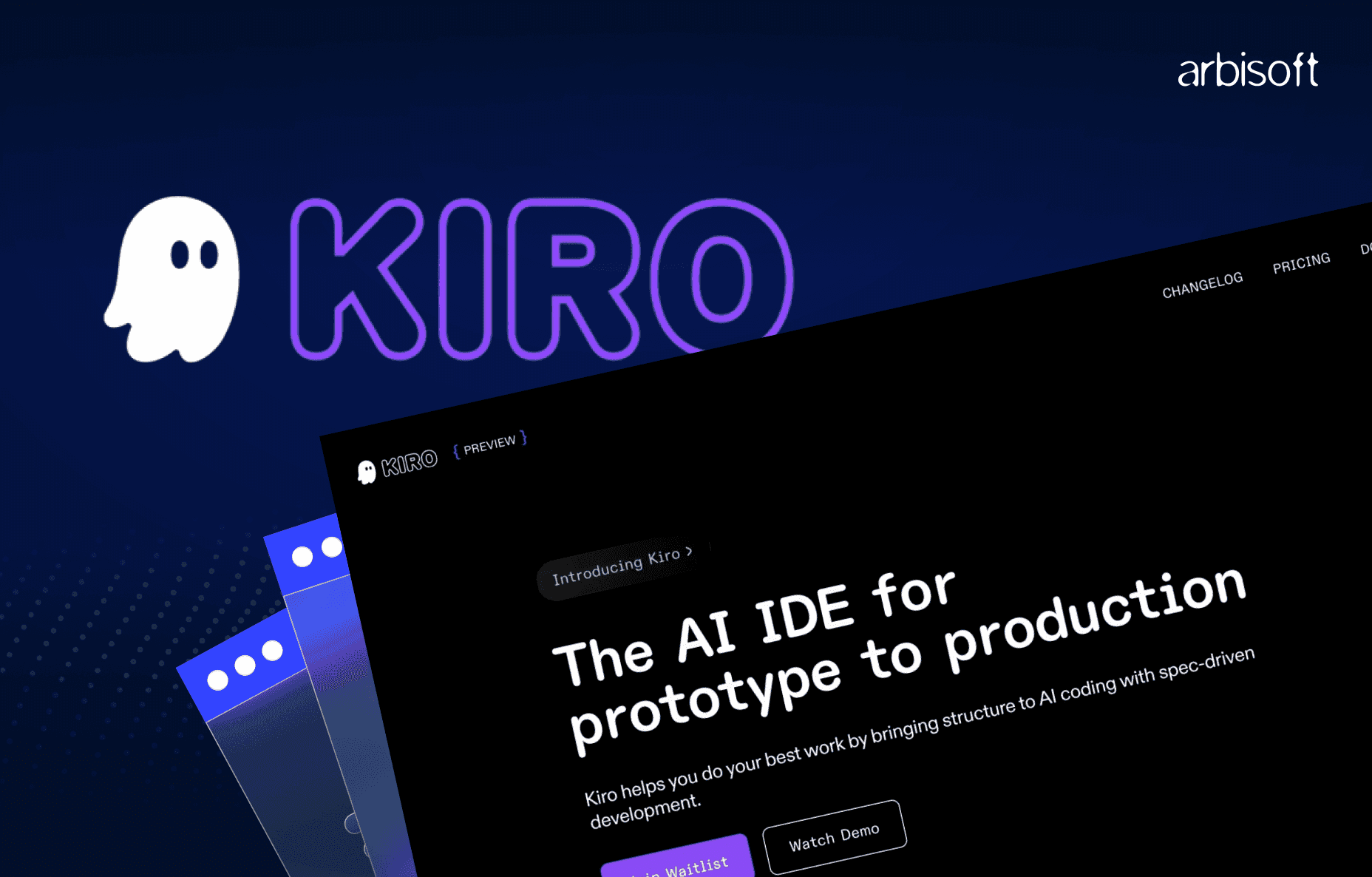
The world of software development is moving fast, and new tools are making a big difference. One of the most talked-about tools today is Kiro, an AI-powered IDE created by Amazon Web Services (AWS). Unlike traditional coding assistants, Kiro is designed to handle much more than writing code. It helps with planning, designing, coding, testing, and even documentation, all from one place.
This blog will explain what Kiro is, who made it, how it works, what features it offers, its benefits, limitations, and why developers are excited about it.
Kiro is an AI-driven Integrated Development Environment (IDE). This means it is a software tool where developers can write and manage their code, but with advanced AI capabilities. While most IDEs provide tools for editing and debugging code, Kiro goes further. It understands your instructions, creates a clear plan, writes the code, adds tests, and updates documentation.
Currently, Kiro is in public preview and is available for Windows, macOS (including Apple Silicon), and Linux. It is designed to fit easily into modern development workflows and offers a familiar experience for anyone who has used VS Code, because it is built on the same open-source foundation called Code-OSS.
Kiro was developed by Amazon Web Services (AWS) and uses Claude 4 Sonnet and Claude 3.7, two advanced AI models from Anthropic. These models allow Kiro to do much more than autocomplete code. They give it the ability to reason, plan, and create structured solutions. This is why Kiro is often described as an agentic AI IDE, meaning it acts like an intelligent agent that helps you from the start of a project to the finish.
Kiro is designed to make development organized and faster. It does this through a process called spec-driven development. Let’s break it down step by step.
You start by giving Kiro a simple instruction in natural language. For example, you could write:
“Add a user login feature with email verification.”
Instead of jumping straight into code, Kiro first creates a plan. It generates three important files:
This ensures clarity and prevents confusion later in the development process.
Once the plan is ready, Kiro moves to task execution. It offers two modes:
Every task Kiro completes includes writing code, adding tests, and ensuring the feature meets the requirements.
Kiro uses something called agent hooks. These are automated actions that trigger when certain events happen. For example:
This helps maintain code quality and reduces repetitive work.
You can set steering rules to tell Kiro how you want your project to be structured. For example, you can say:
“Always use React for the front end” or “Write tests first.”
These rules keep the project consistent, even when multiple developers are working together.
Kiro also supports Model Context Protocol (MCP). This means it can connect to external tools like issue trackers, design systems, or API documentation platforms, making it easier to integrate with your existing workflow.
Kiro can handle more than text instructions. You can upload diagrams, wireframes, or screenshots, and Kiro will use that information to design and generate code.
Kiro supports multiple programming languages, including:
It also works with configuration files like JSON, YAML, and HCL. This makes it suitable for many types of projects, from web applications to backend systems.
Kiro brings several clear advantages to the table:
Even though Kiro is powerful, it has some limitations:
Kiro is free during the public preview. After its full release, AWS plans to offer:
Kiro is very different from tools like GitHub Copilot. While Copilot suggests code line by line, Kiro plans and executes entire features.
Feature | Kiro | GitHub Copilot |
| Workflow | Plan → Design → Code → Tests → Docs | Code suggestions only |
| Multi-File Support | Yes | Limited |
| Adds Tests & Docs | Yes | No |
Kiro focuses on building complete, production-ready features rather than just generating small code snippets.
Developers are excited about Kiro because it changes the way they work. In traditional workflows, developers spend hours planning features, writing repetitive code, adding tests, and updating documentation. Kiro automates these steps without compromising quality.
One major reason for this excitement is speed. Teams can deliver features much faster without skipping important tasks like testing or documentation. Another reason is structure. Kiro encourages a disciplined, spec-driven approach, which reduces confusion and miscommunication in teams.
Developers also appreciate that Kiro helps maintain consistency across projects. By using steering rules and automated hooks, Kiro enforces coding standards, which is something many teams struggle to achieve.
Finally, Kiro is not just a productivity tool; it is a tool that improves quality. It ensures that every feature comes with tests and clear documentation, making projects easier to scale and maintain. For developers and businesses looking for both speed and reliability, this combination is a big win.
Kiro is more than a coding tool, reflecting how advanced AI solutions are setting new standards. It is a complete AI development environment that helps teams build software faster and better. By planning, coding, testing, and documenting in one place, Kiro changes how developers work. If you want to reduce manual work and improve project quality, Kiro is worth trying. Since it is free during the public preview, now is the best time to explore its features.
...Loading Related Blogs
Trusted by top platforms for our transformative solutions and exceptional results: